Help center
Selling digital goods
If you’re new to creating products on MonoBill, we recommend starting with this guide. This guide builds on that knowledge and focuses on selling digital goods.
MonoBill offers a feature called Product Attachments, which allows you to upload downloadable items to your products. Once an order is paid and delivered, customers can access these downloads seamlessly.
Steps to Create a Product with Product Attachments
Follow the steps below to enable and configure downloadable product attachments for your digital goods.
1. Enable Product Attachments
- Go to the "Create Product" page.
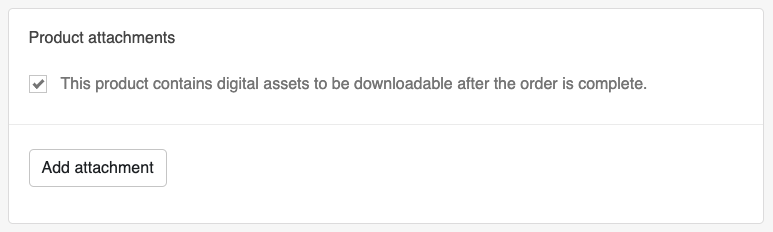
- Locate the section labeled "Product Attachments" and check the checkbox to enable this feature for your product.
2. Add Attachments
- Click "Add Attachment" to open the file selector.
- Upload the file(s) you want to include as product attachments.
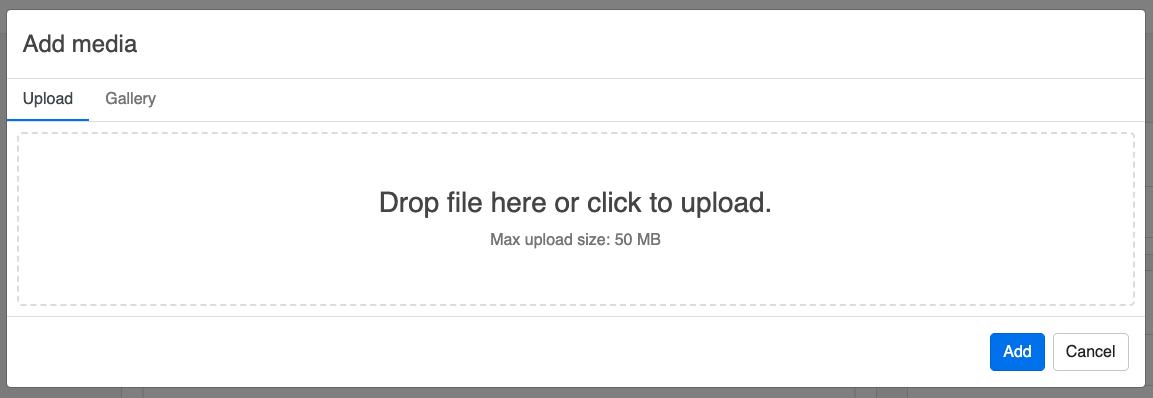
Tip: If your file type isn’t supported, we recommend compressing it into a
.zipfile and uploading the compressed version.
3. Manage Your Attachments
- Once a file is uploaded, it will appear in the attachments list.
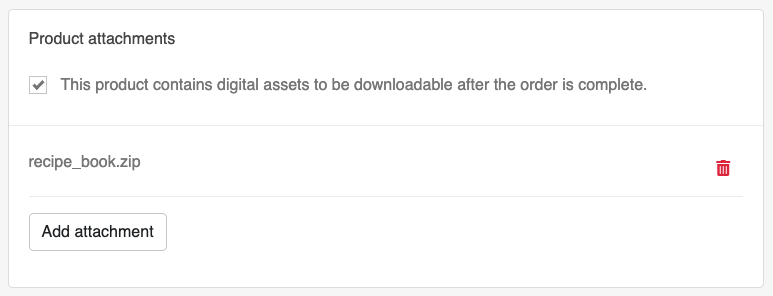
- You can remove files if necessary or add multiple attachments to a single product.
4. Save Your Changes
- Click "Save" to the product to finalize the process.
5. Customer Experience
When a customer purchases this product:
- They will receive an email notification stating that their download is ready.
- The email will include a button allowing the customer to download the product using their credentials.
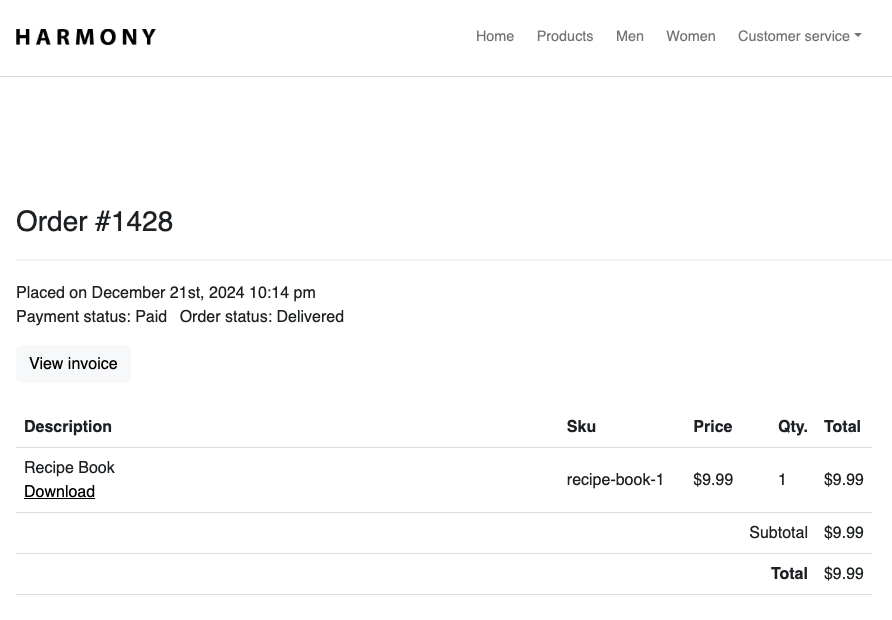
Note: The customer’s experience may vary slightly depending on the theme your store is using.
By following these steps, you’ve successfully created a product with downloadable attachments. Your customers can now easily access their digital goods after purchase!